Turn your story into a comic
that holds together.
An AI comic generator turns a written story into finished comic pages. The hard part was never the drawing — it's keeping the same characters recognizable from page to page. This page shows you what that looks like when it works.
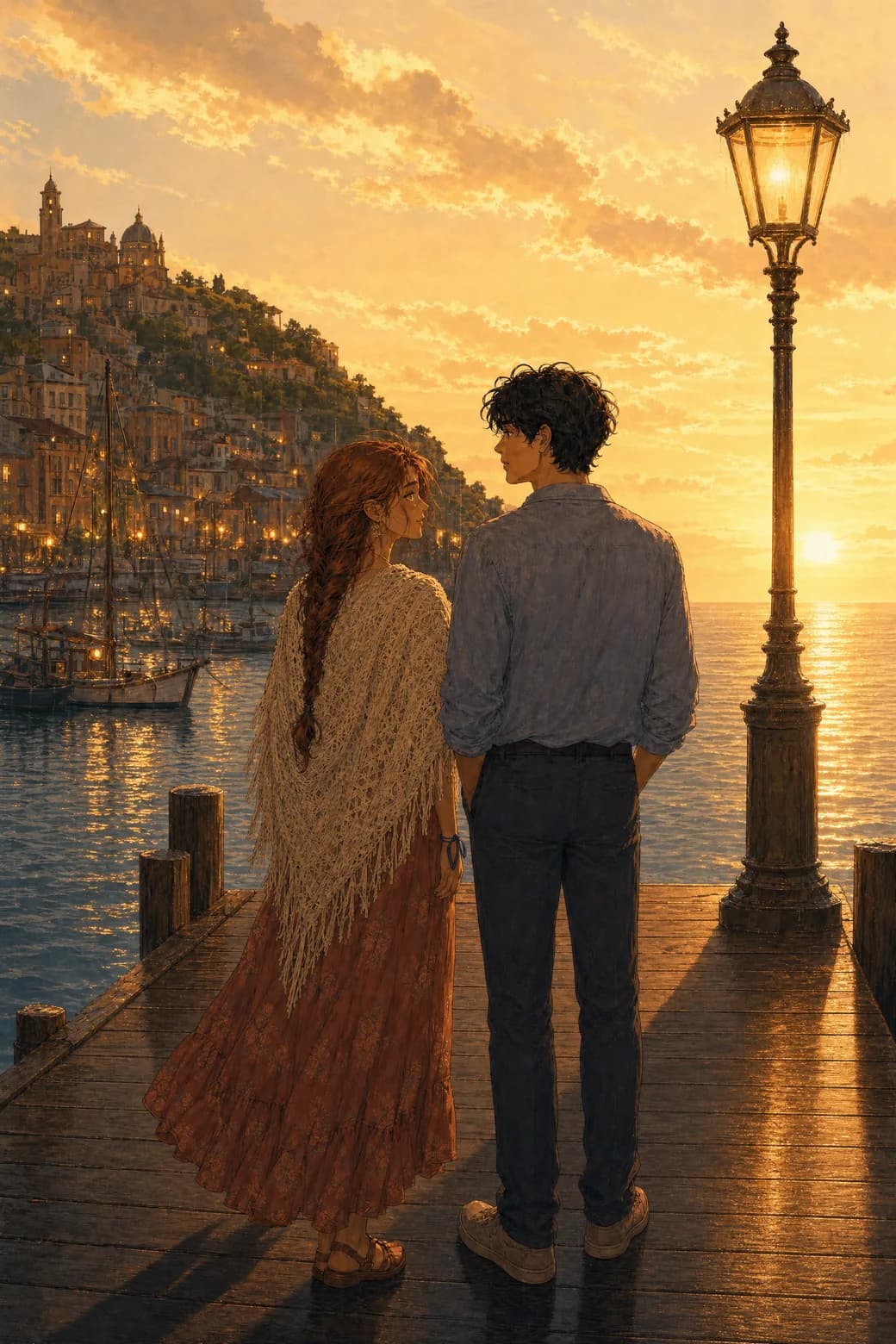
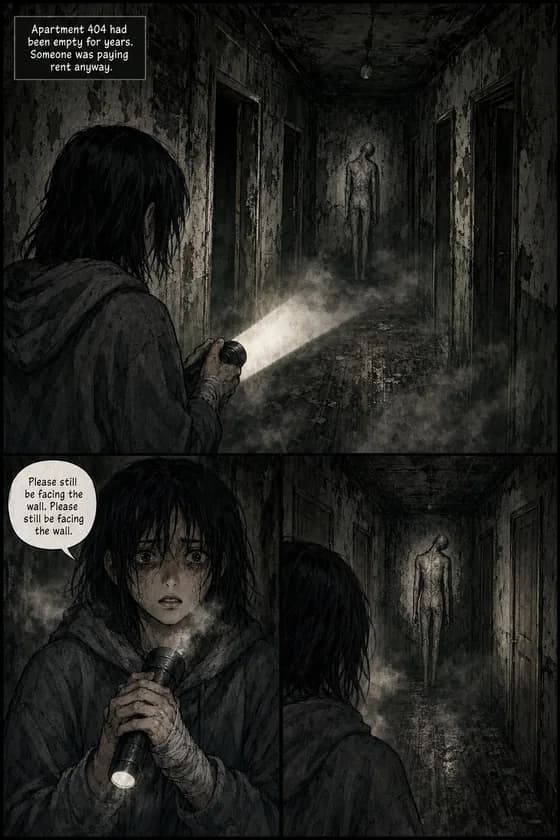
The free preview draws a cover and first page from your own story — like the page on the right.
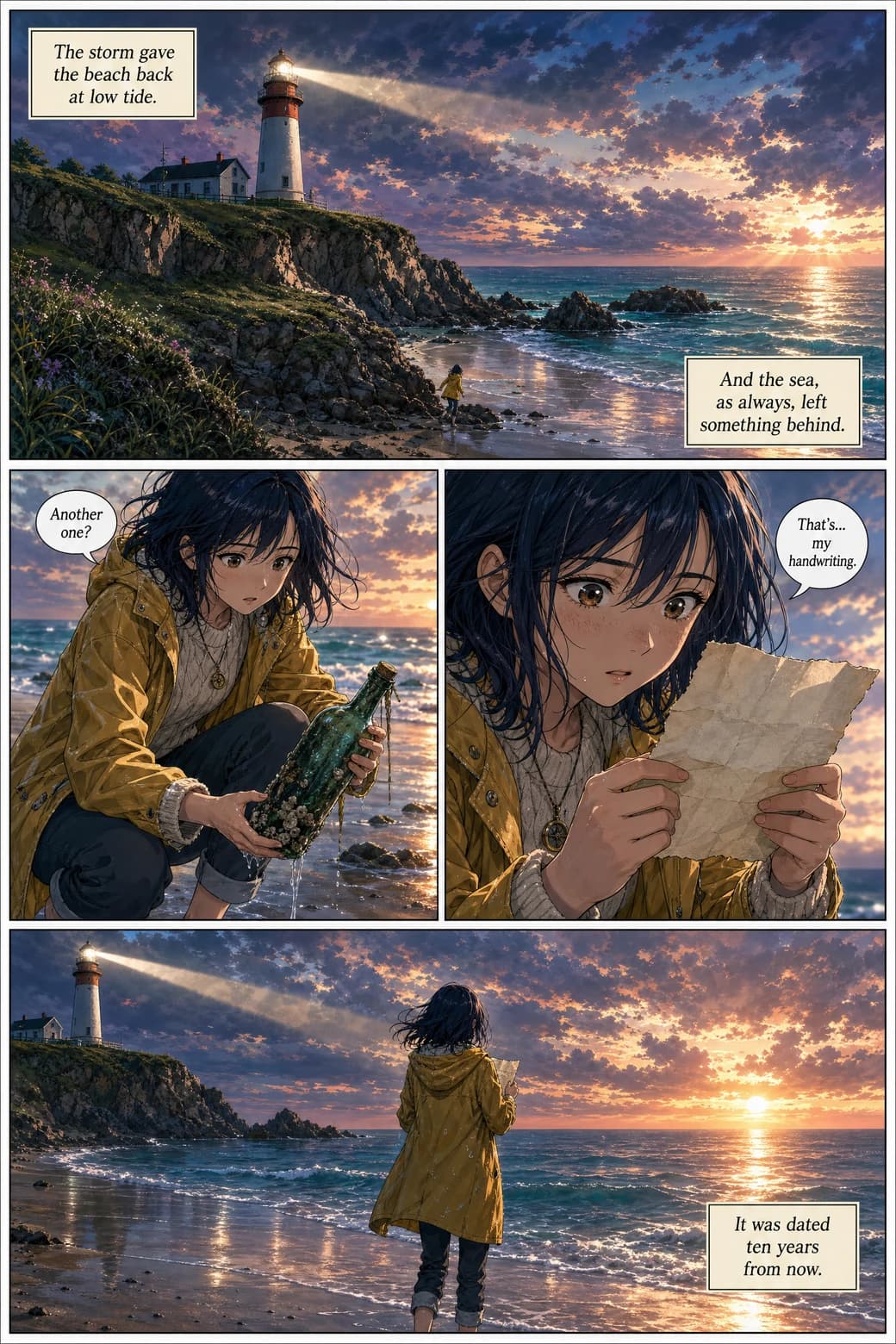
A real generated page — one story prompt, drawn by TaleFolio.
Try it now
Type a story. Watch it become pages.
Free, no account: describe a story and a character, pick a look, and get a generated cover and first page in about a minute or two. If you like what you see, an account continues the same comic from page 2.
Free: the cover and page 1 of your story. No account needed. One preview per visitor.
How it works
Four steps, and none of them is drawing
This is the exact order of the create flow — you never touch a brush and you never assemble panels by hand. You make the choices; the studio does the drawing.
- 1
Pick your format and style
Print-style comic pages or a vertical webtoon built for the phone scroll — then one of 21 drawing styles, or describe a custom style of your own.
- 2
Set the length and language
Anywhere from 4 to 400 pages, and dialogue lettered in whichever of the 60+ languages your readers speak.
- 3
Build your cast
Up to six characters — pick from ready-made presets or describe your own. Each one gets a locked reference sheet, and every page is drawn from those sheets.
- 4
Tell the story and generate
Write your premise the way you'd tell it to a friend, then generate. Pages arrive finished and lettered; if one isn't what you imagined, redo that page — the rest of the book doesn't move.
Consistency
Why every other tool loses your character — and how a reference sheet fixes it
If you've tried making a comic with an image generator, you already know the failure: panel one is perfect, panel three is a cousin, and by panel five the eyes have changed color. That isn't bad luck. A single-image tool has no memory between prompts — every picture starts from zero, so the model isn't remembering your character, it's re-interpreting your words each time. More detailed prompting doesn't cure it, because the problem isn't your description; it's that nothing carries it forward.
The cast is built first — and only once
Every comic here starts the way The Lantern Evening did: with the cast. Isla and Marlow were described one time — her cream shawl and festival dress, his linen shirt and canvas jacket — and TaleFolio turned that into locked reference sheets. From then on, every page in the story is drawn from the sheets, not from a fresh guess. Up to six characters per story get this treatment.
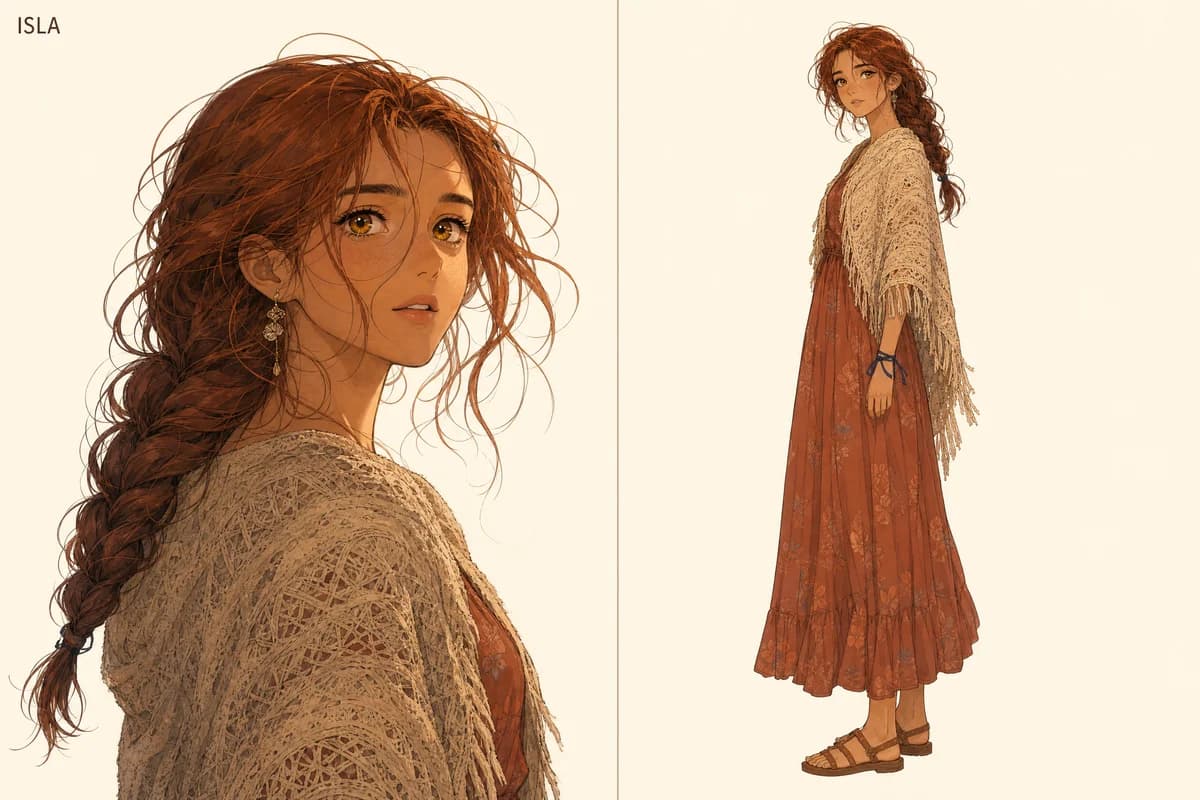
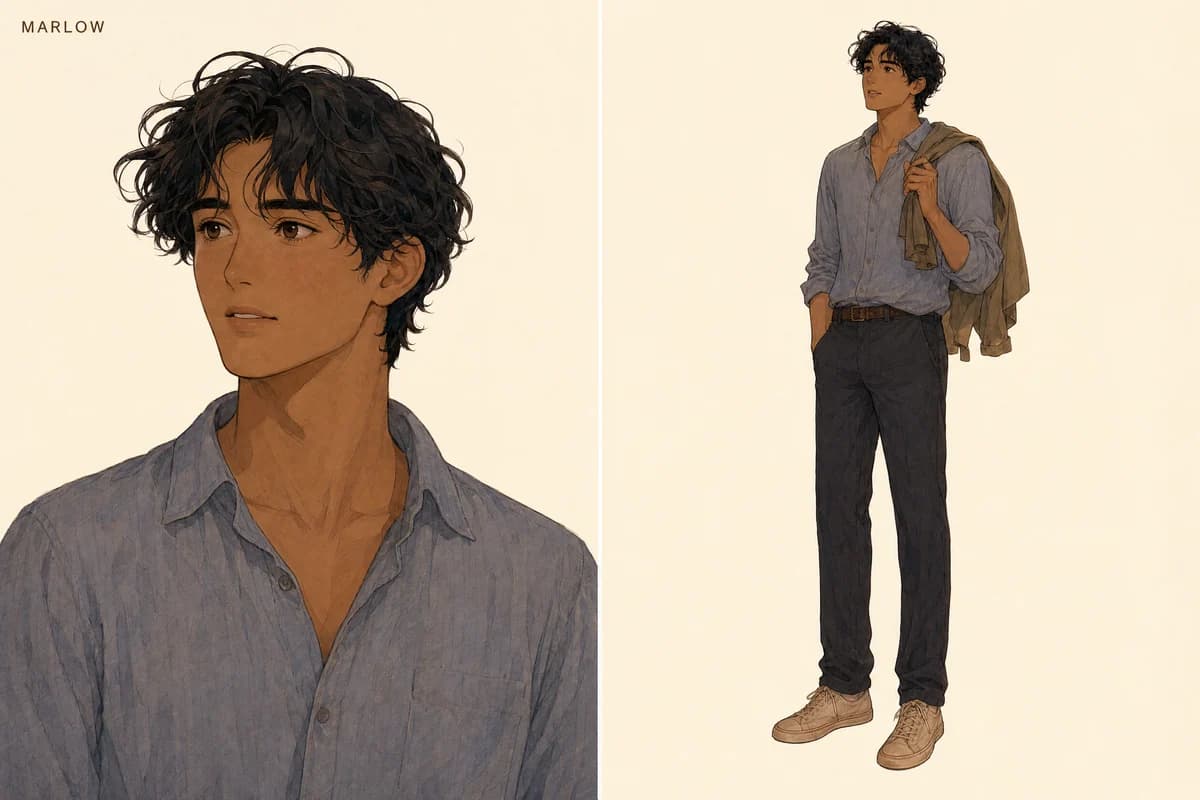
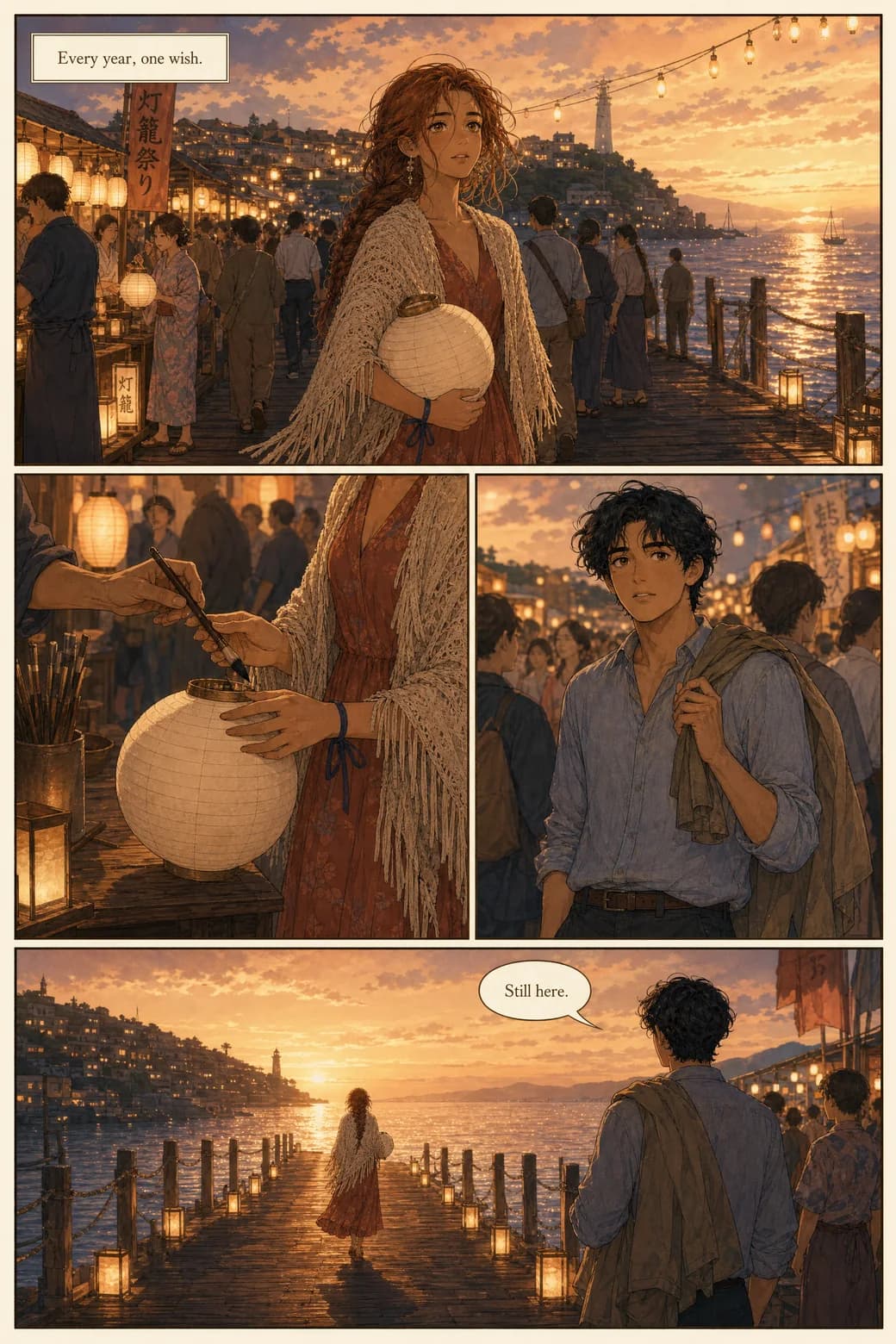
Then the pages hold. Look, don't trust.
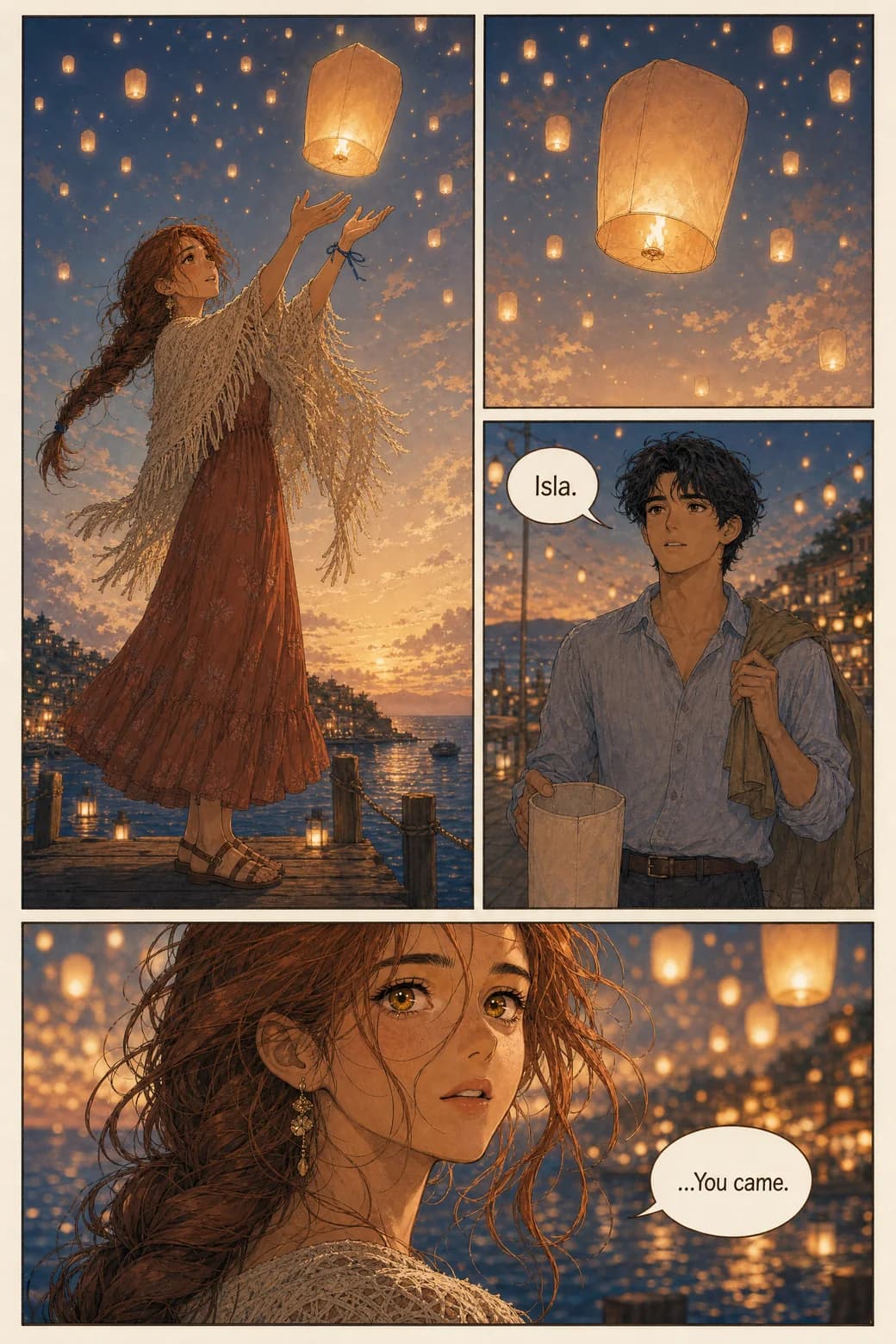
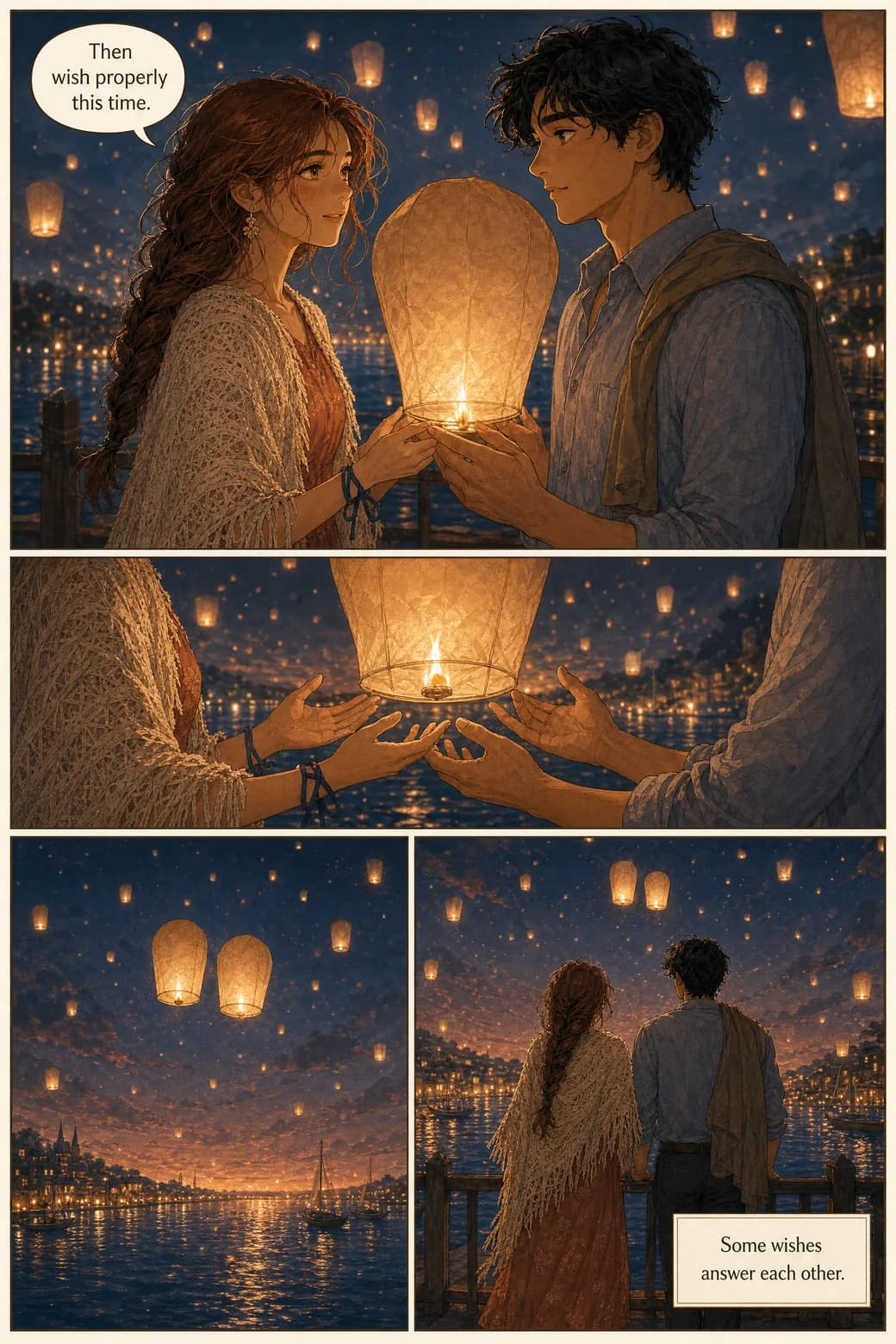
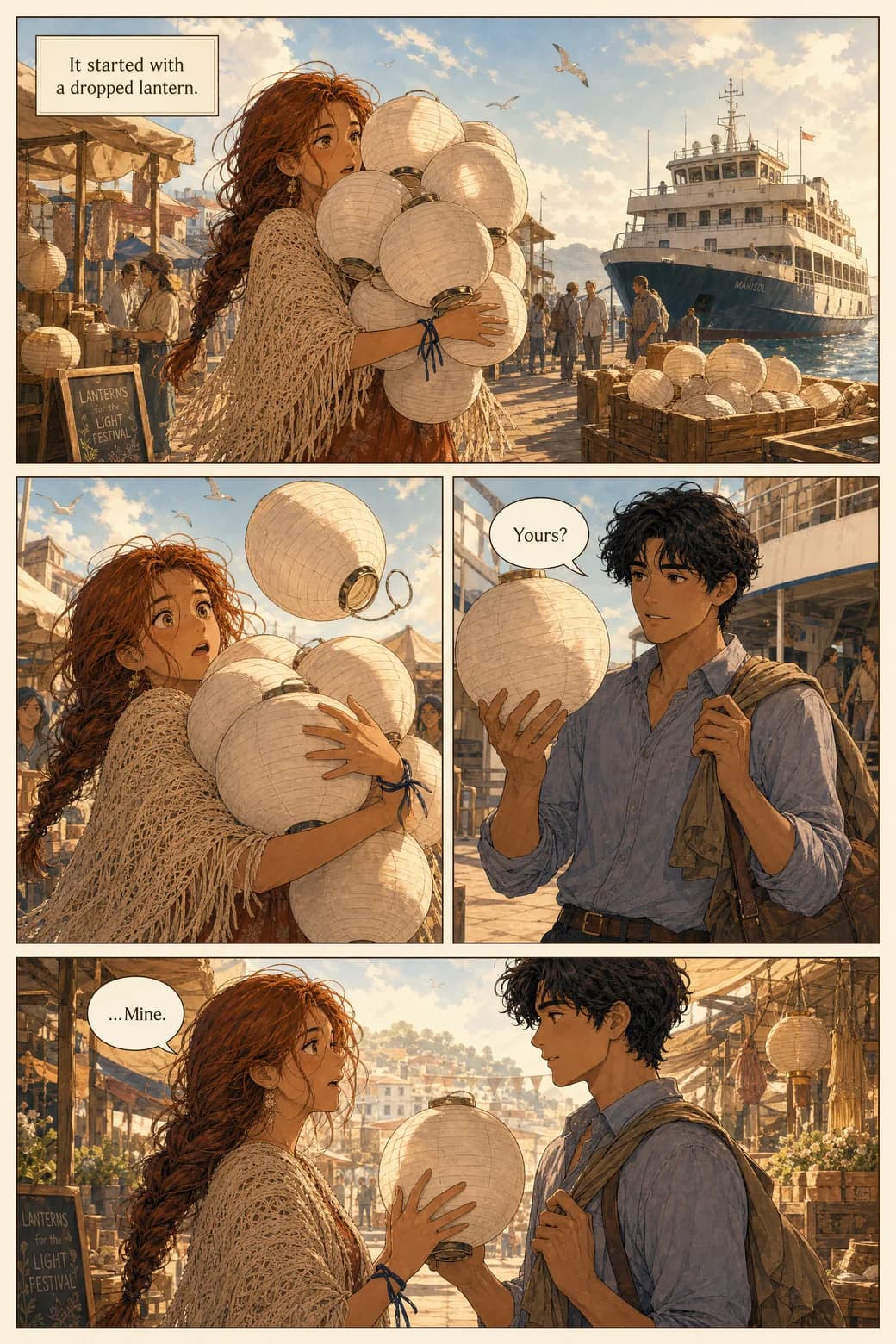
These are three consecutive pages. Follow the shawl. Follow the faces. Isla goes through a festival crowd, a pier at dusk, and a quiet moment under rising lanterns — and she is unmistakably the same woman in all three.
Page 1 and page 400 — the claim, kept
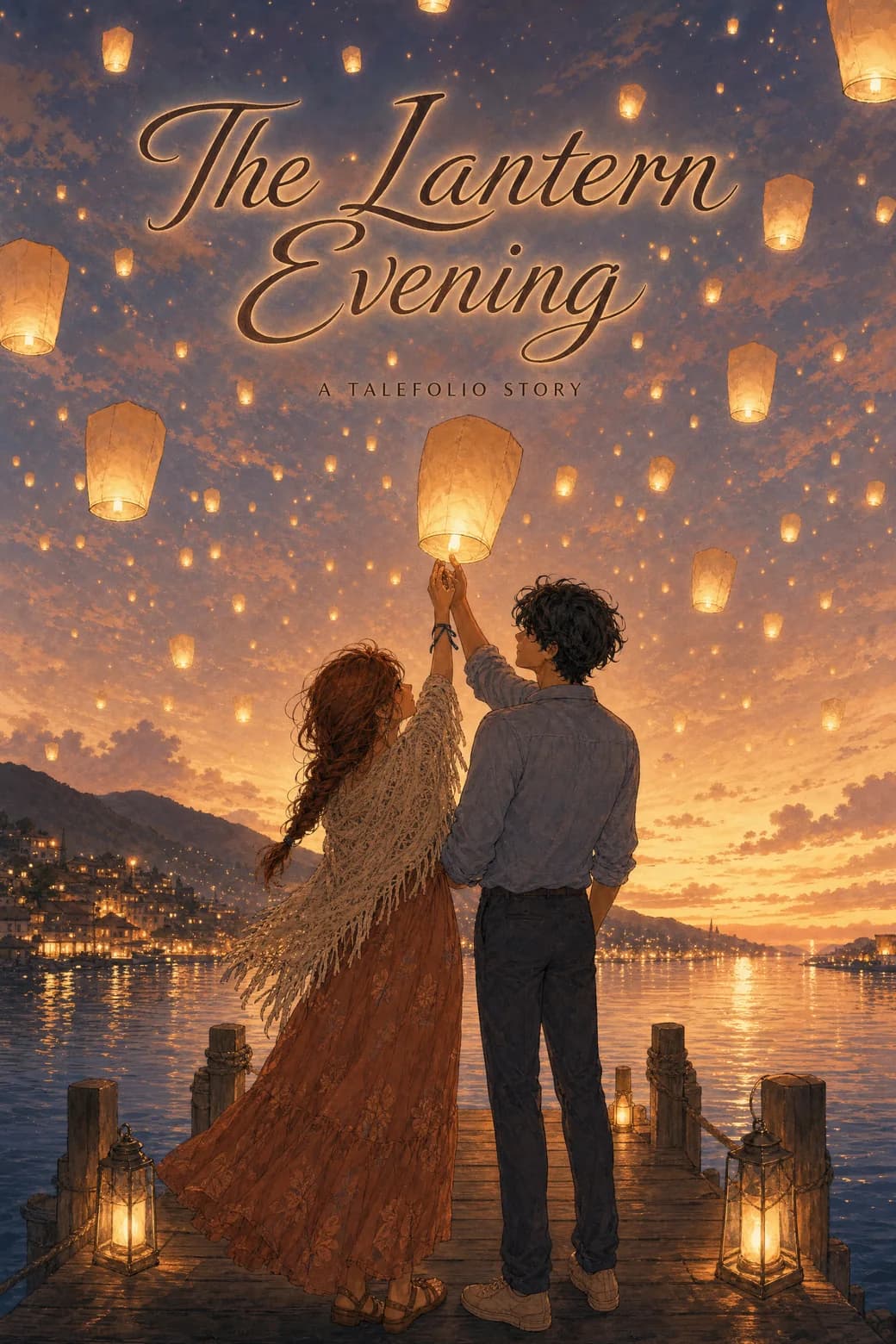
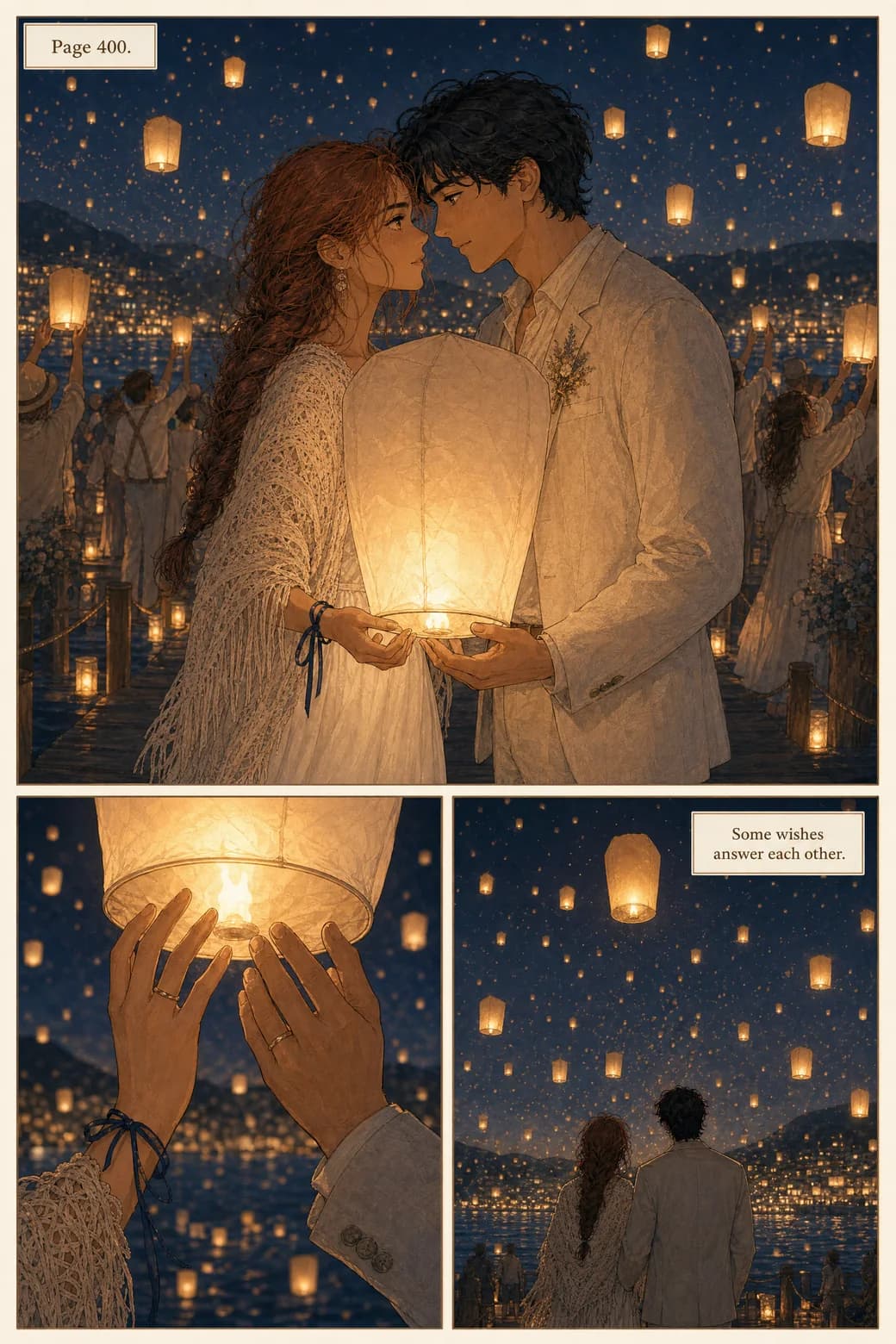
Holding a face for three pages is table stakes. Stories here run from 4 pages to 400, and the reference that drew page 1 is the same reference drawing page 400. Below: the cover, the first page, and the four-hundredth page of the same book. Years pass inside the story. Nobody's face changes outside of it.
How to describe a character so it stays consistent
This recipe helps in any tool, and it's exactly how the cast step here works best. Split every character into the part that never changes and the part that changes every panel:
FIXED (identity — write once, never reword):
Isla — woman in her 50s, silver hair in a low bun,
cream patterned shawl, terracotta festival dress,
small brass earrings.

PER-PANEL (scene — the only part you vary):
Isla laughs at a lantern stall, warm evening light,
festival crowd behind her.
Three rules make it work: give each character one unmistakable signature feature and repeat it exactly; describe action, mood, and setting per panel — never re-describe appearance; and never swap in synonyms — "shawl" stays "shawl", not "wrap". In TaleFolio, the FIXED block is what you give the cast step. The pages handle the rest.
Formats
One story, two shapes
The same cast and script can live as a classic comic page — panels, gutters, a page that ends on a beat — or as a vertical webtoon composed for a phone thumb. Each format is composed natively, not cropped from the other. Below is one workshop scene, built both ways. The reading rhythm changes; the people don't.
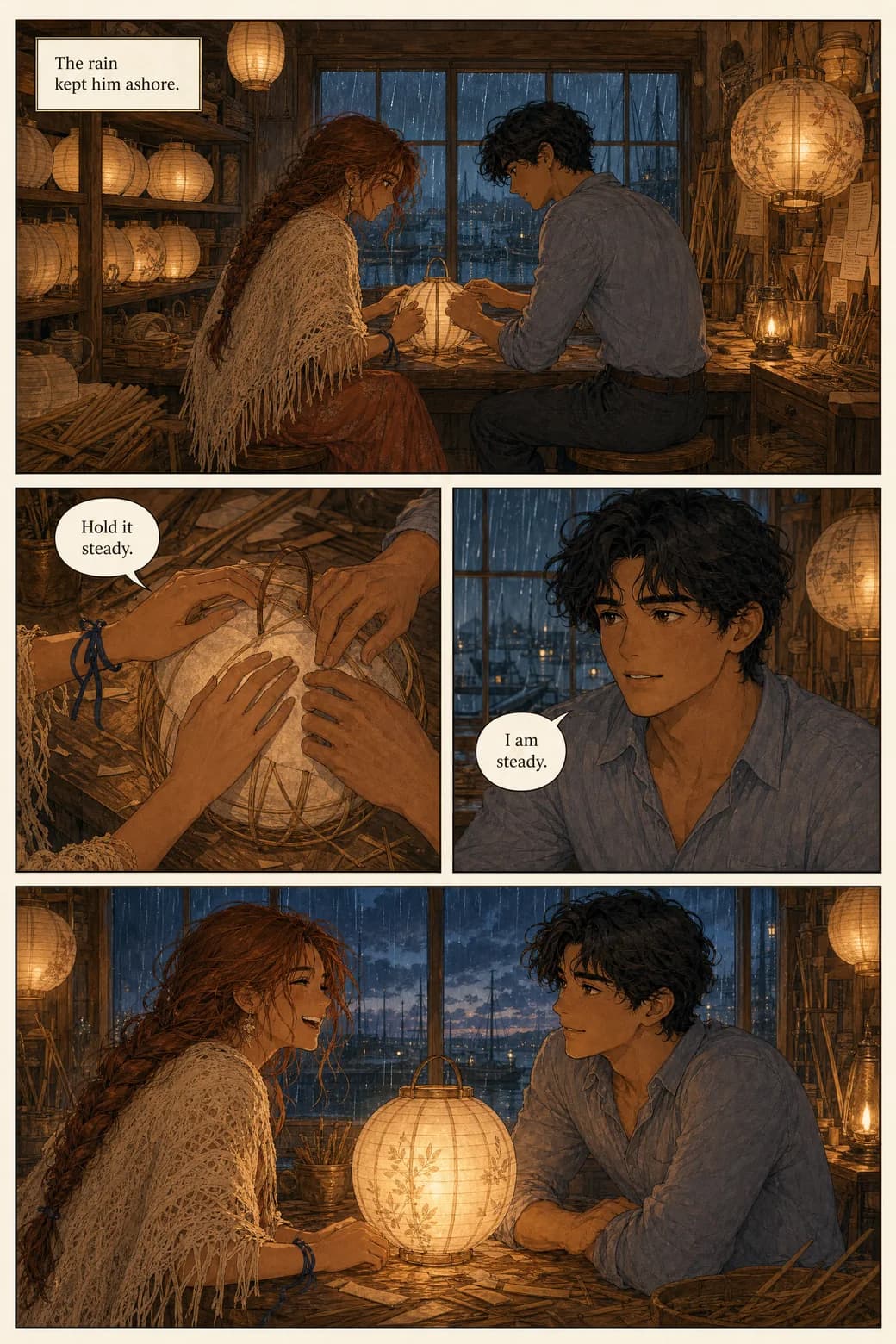
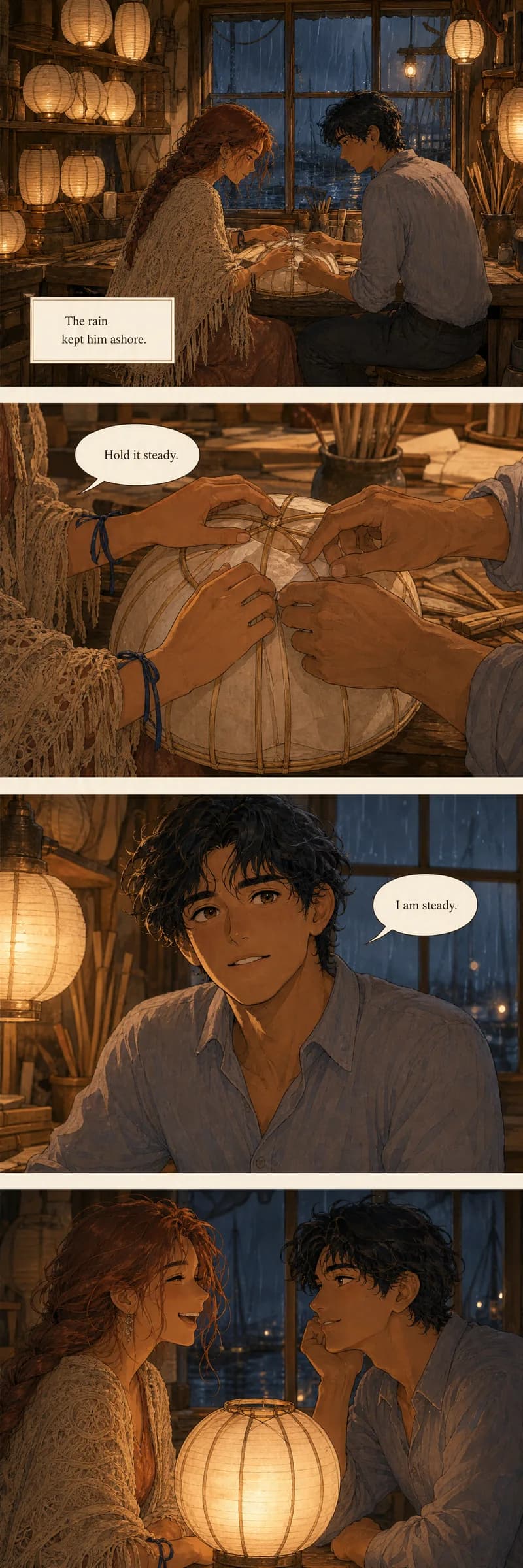
Making manga or a webtoon specifically? Both live here — manga is one of the 21 styles below, and webtoon is a first-class format. Dedicated guides for each are on the way.
Per-page control
Don't like one page? Change one page.
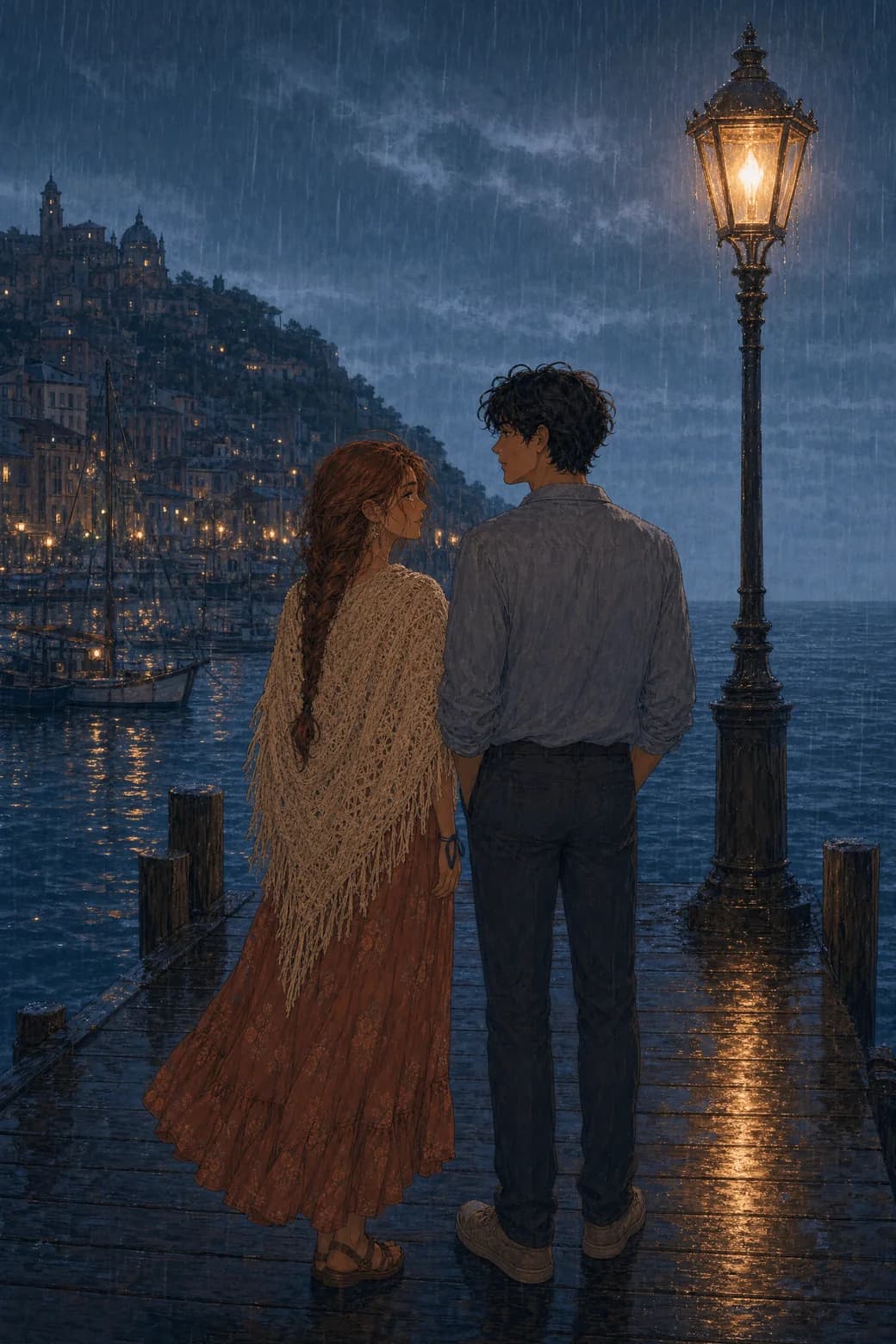
Sometimes the story is right and one detail isn't. The scene beside this was first generated in rain; we wanted the chapter to close at sunset instead. One redo — 100 coins, one page — and the pier, the poses, and the faces all stayed put. Only the weather obeyed.
Redos are optional, not a tax. You review the pages you get and regenerate only where you want something different — a mood, a camera angle, a line of dialogue. The rest of the book doesn't move, and earlier versions of a page stay available, so trying a different take never costs you the one you had.
This is the difference between a comic generator and an image generator with ambitions: when page 14 of 60 needs another pass, you fix page 14. You don't reroll the book.
Languages
Lettered in your language — more than 60 of them
Speech bubbles aren't pasted on afterward in an image editor. Dialogue is placed and lettered while the pages are made, in any of 60+ languages — so the balloons sit where a letterer would put them and the type belongs to the art. Below is the same dockside scene three times: same panels, same faces, native lettering in English, Spanish, and Korean.
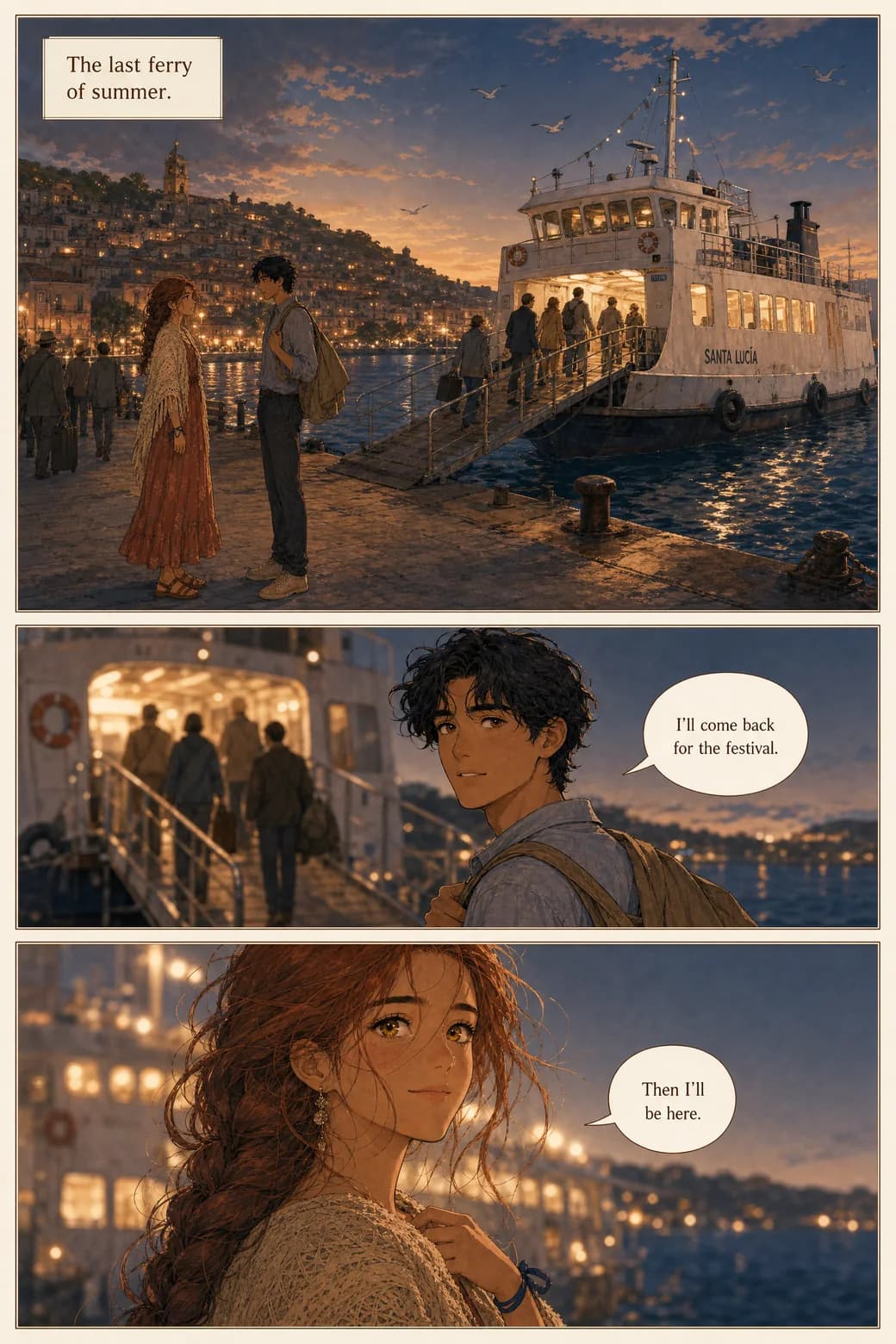
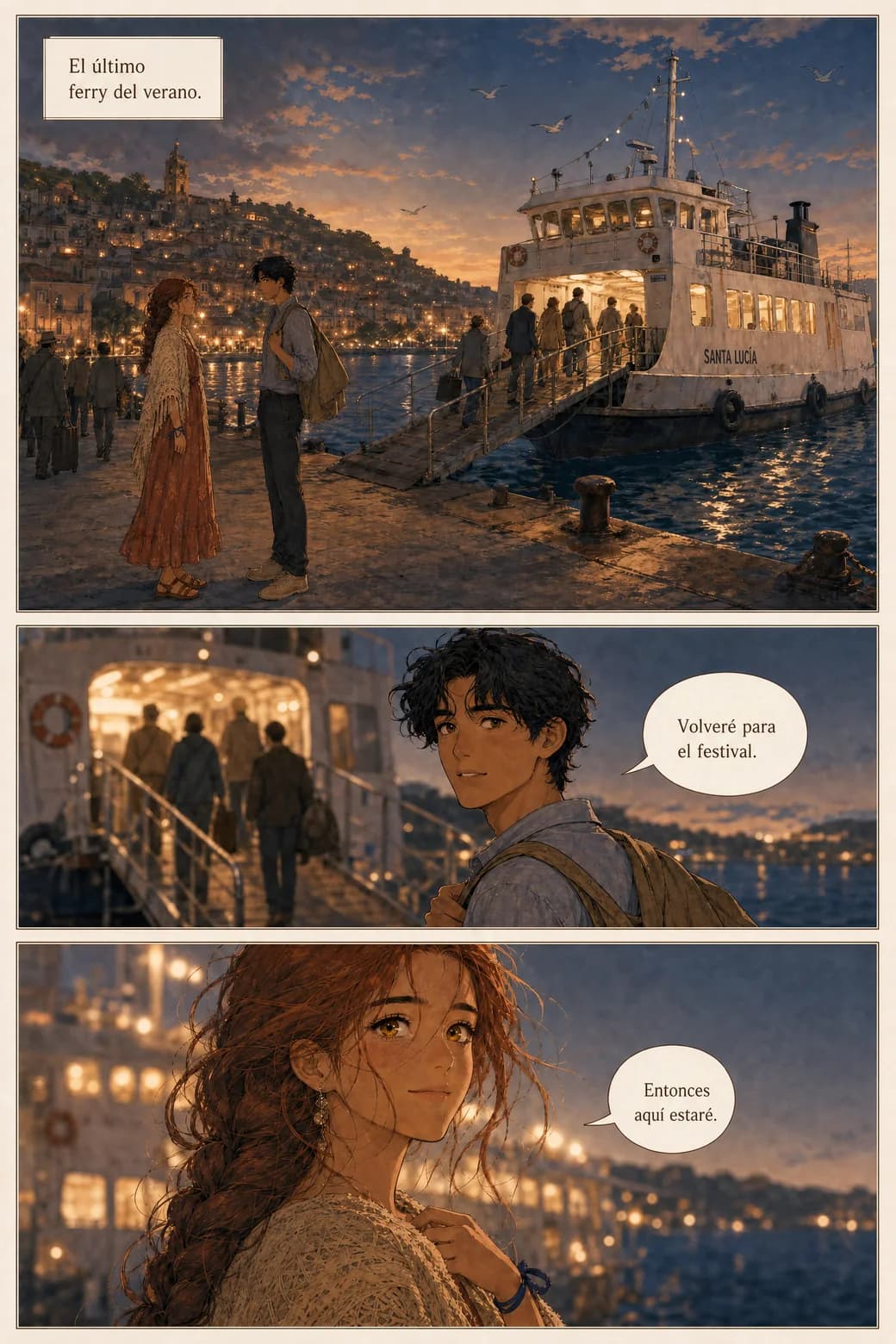
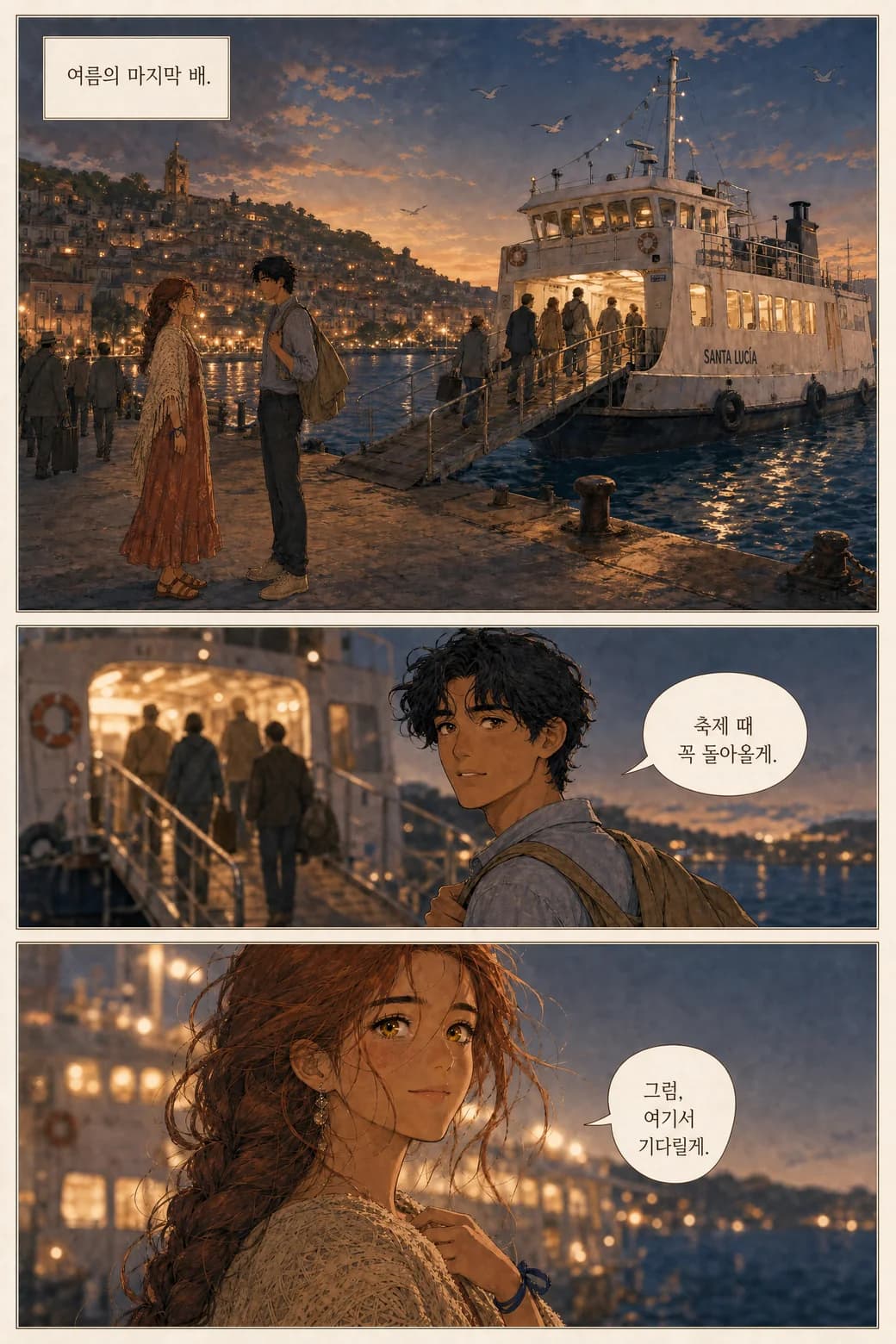
In practice this means you can write in the language you think in and publish in the one your readers use: a webtoon aimed at a Spanish-speaking audience, a birthday comic a Korean grandmother can read, an English draft you letter in German for a friend. The story is written once. The lettering meets the reader.
Ownership
You bring the story. We hold the pen.
Everything the pen draws belongs to you. That's not a slogan buried in a EULA — it's the deal, in plain words:
Your comics are yours
You retain ownership of what you create — characters and comics alike. They're yours to use, share, distribute, and sell.
Your stories don't train models
Your stories, characters, and uploads are not used to train AI models. Your book is your book, not a dataset.
Leaving takes everything with you
Deleting your account deletes your uploads and generated content. No orphaned copies of your story on a server you left.
The fine print is short
The full wording lives in the Terms of Service — the relevant section is four sentences, and it says what this list says.
See the Terms of Service and Privacy Policy for the exact wording.
Styles
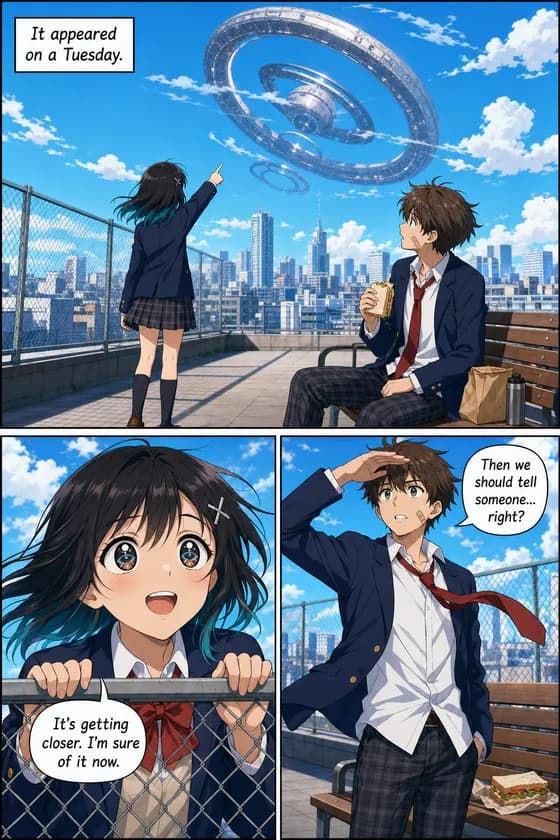
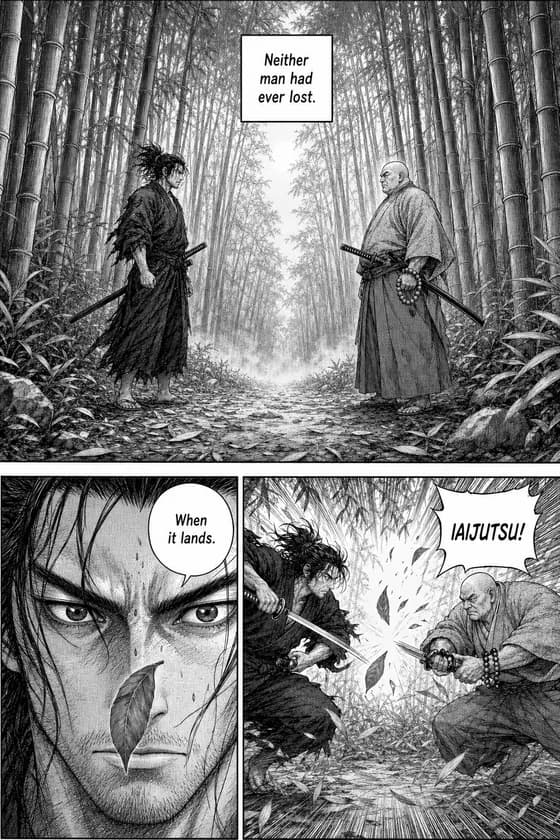
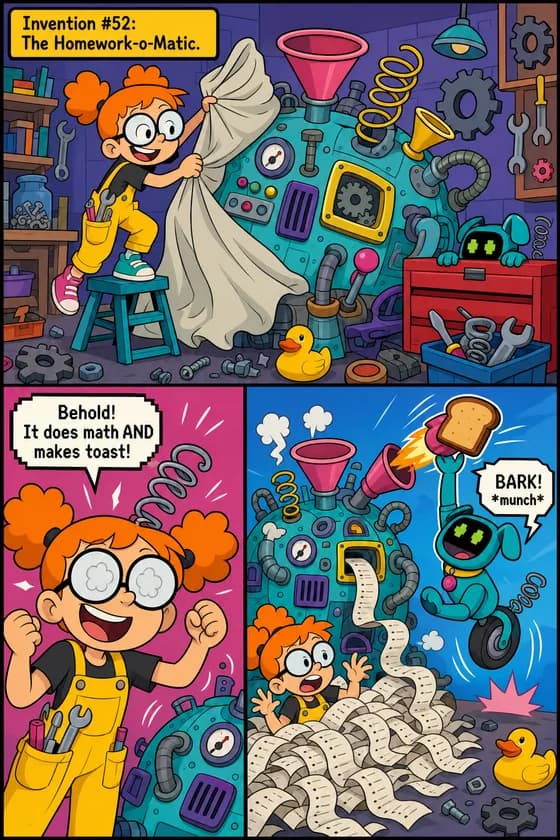
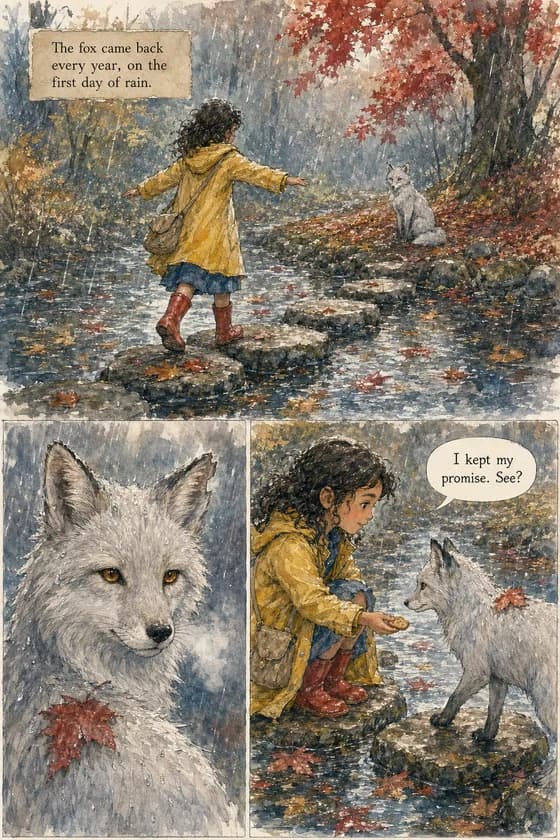
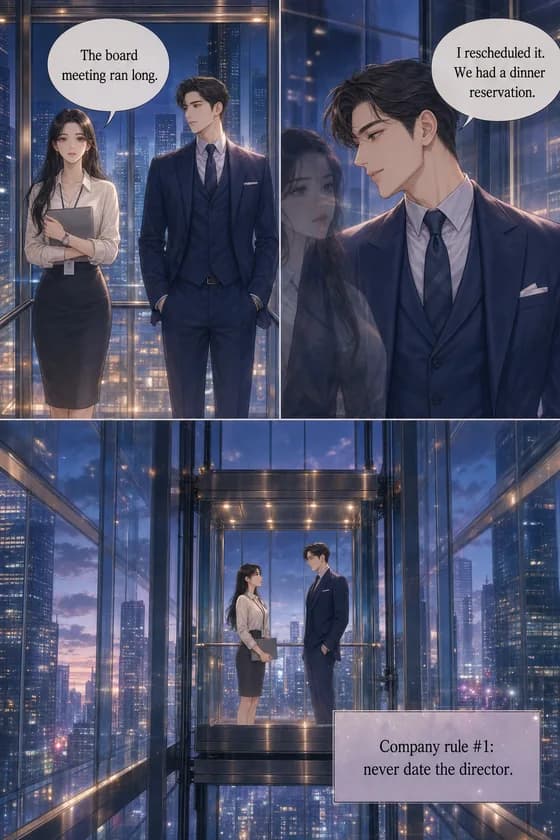
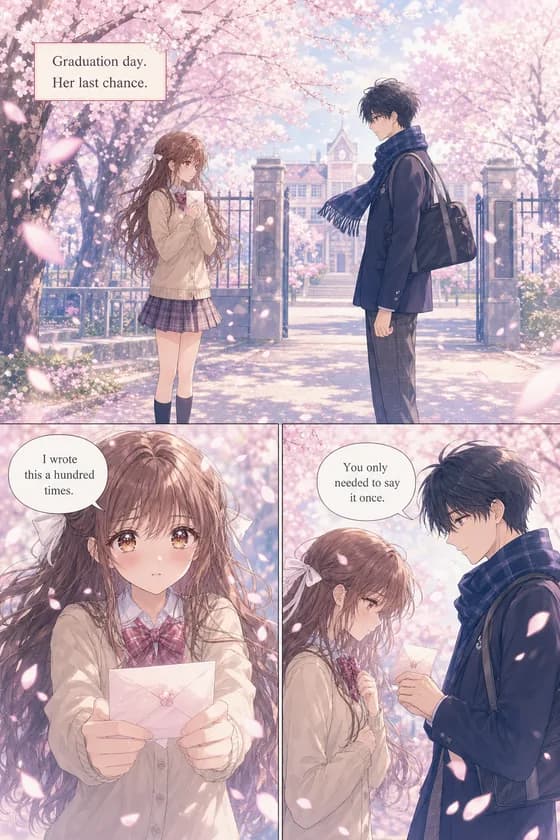
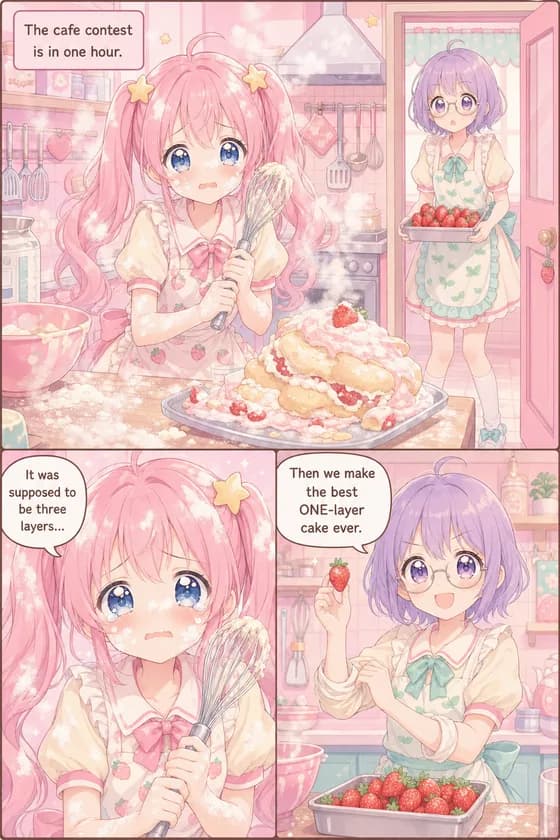
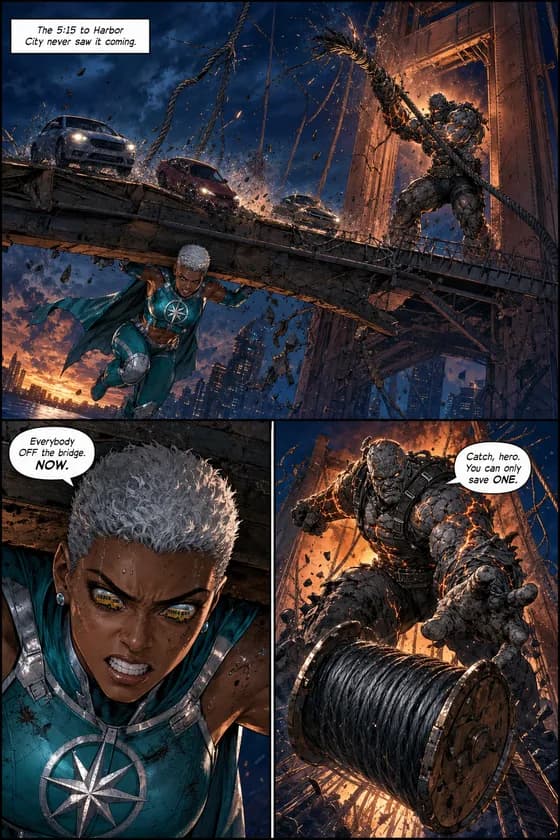
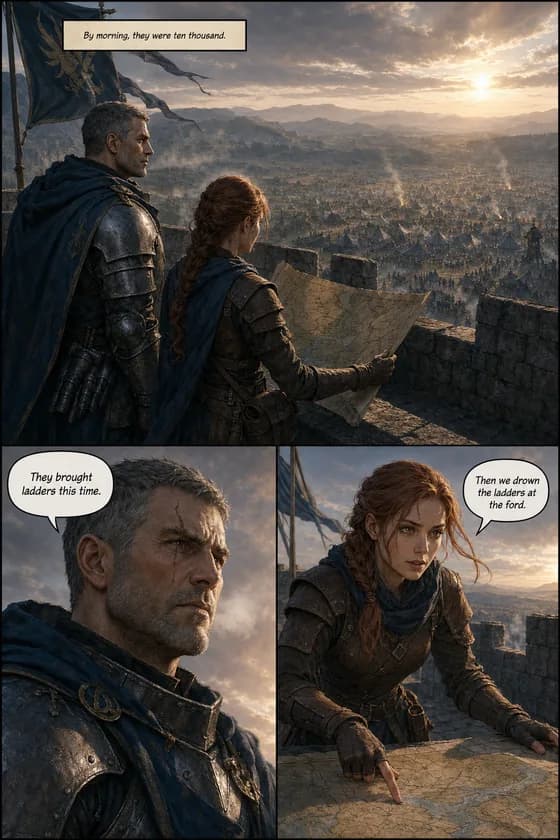
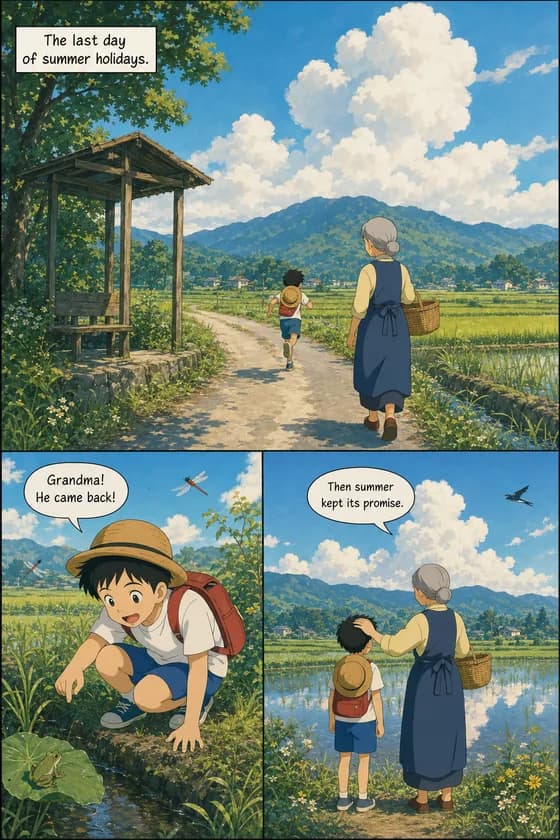
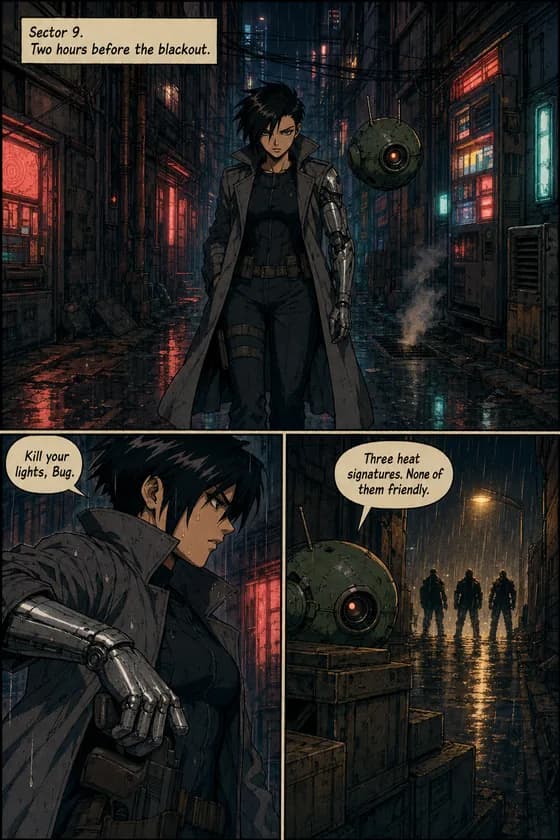
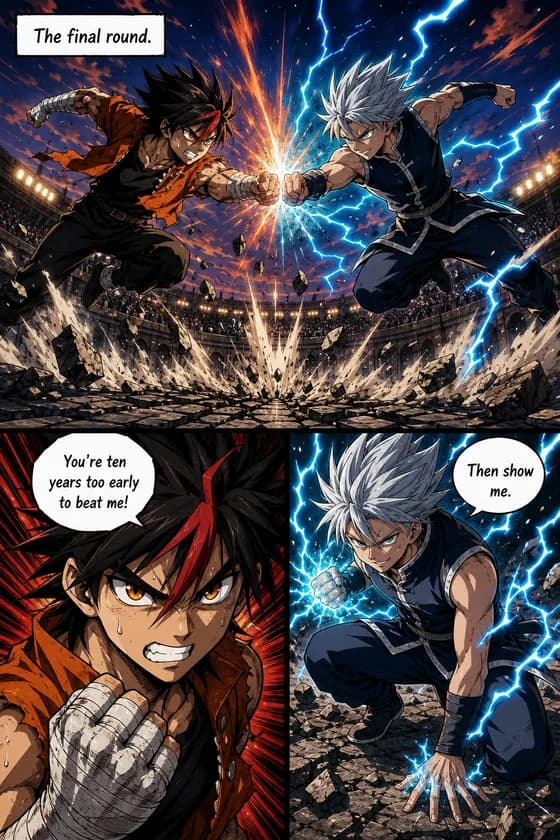
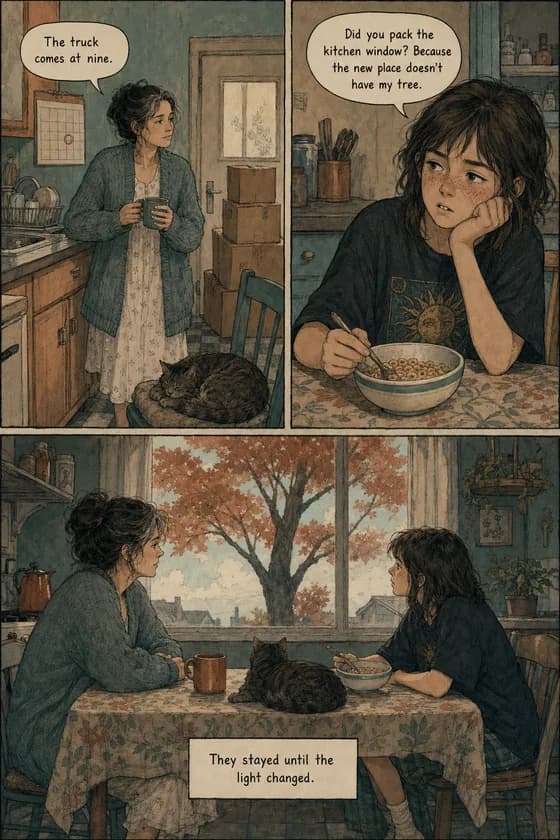
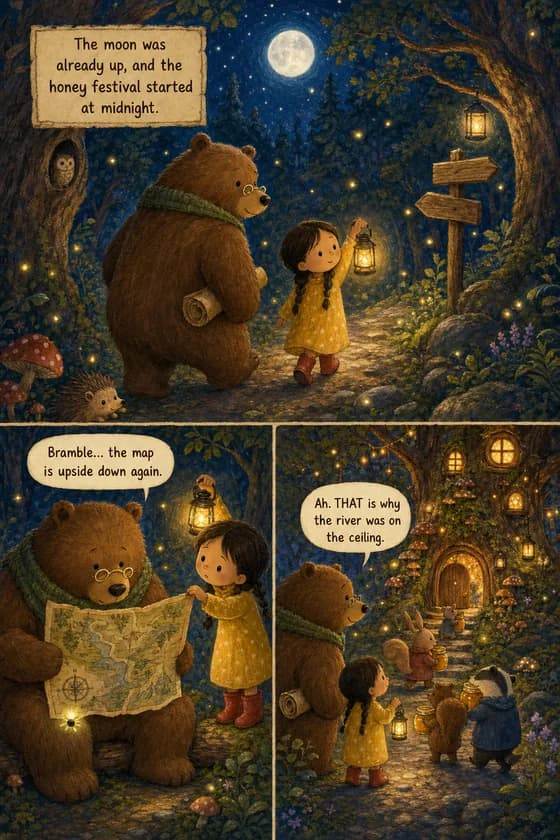
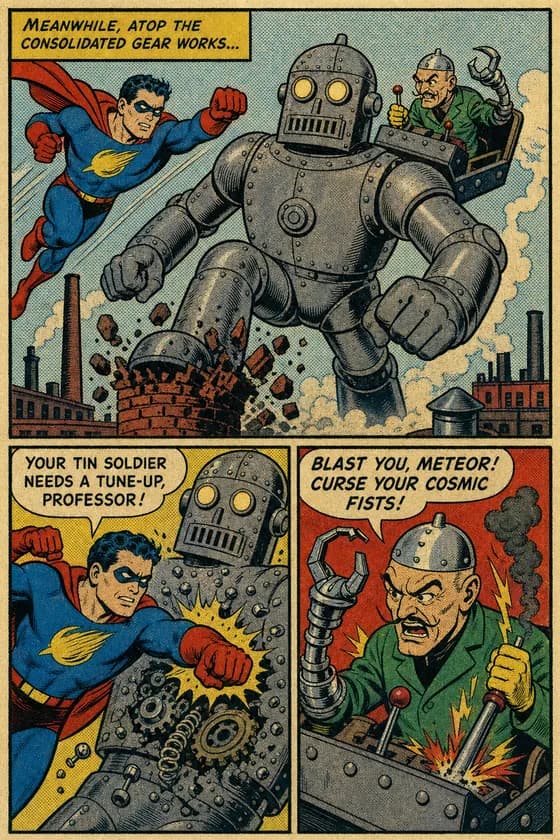
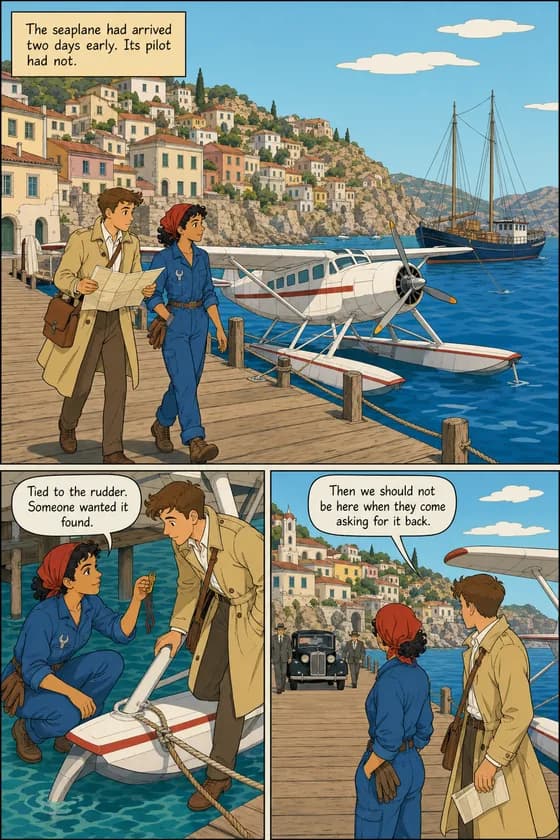
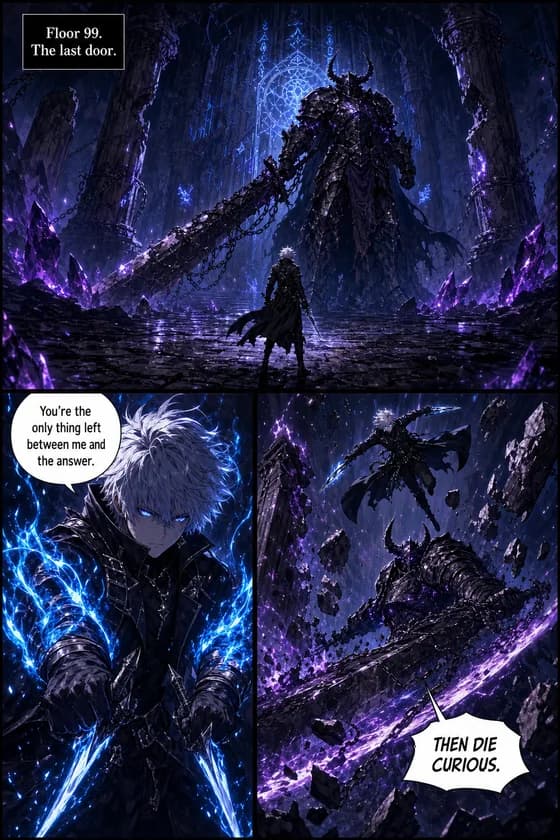
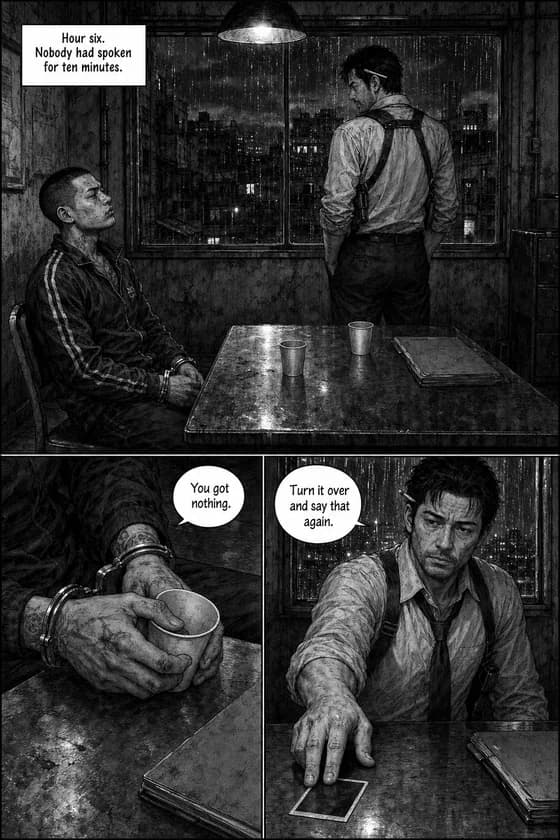
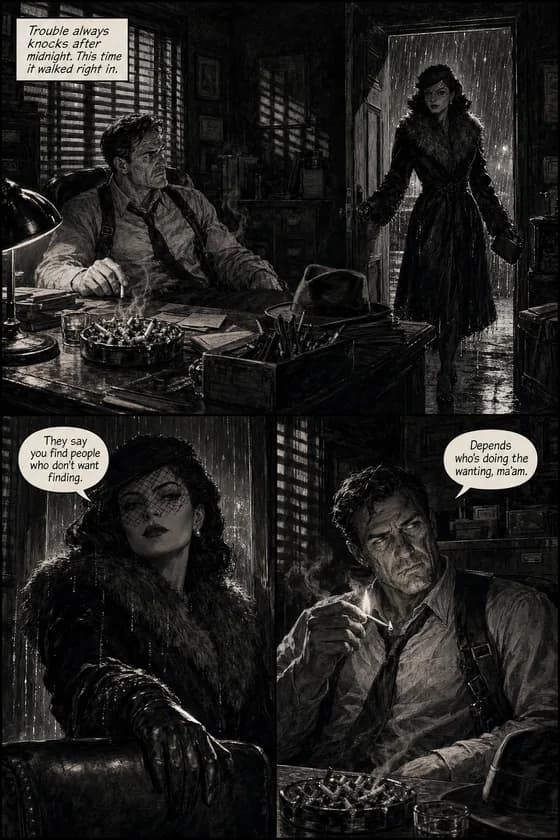
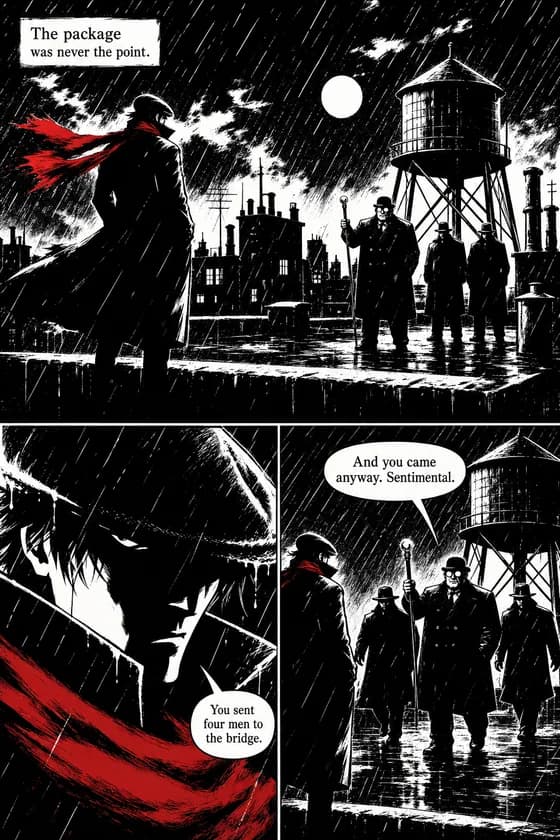
21 styles. The same faces in every one of them.
Screentone manga, luminous webtoon romance, gouache storybook warmth, hard film-noir shadow — 21 named styles, plus custom style descriptions when none of them is quite your book. One law across all of them: style changes how pages are drawn, never who your characters are.
Pricing
What a comic actually costs — the honest math
There's no free tier here, and we'd rather tell you that than let you find out. What's free is the preview: a cover and first page from your own story, before you pay anything. After that the math is flat and public — every generated page costs 100 coins, whatever the style, format, or language.
| Plan | Price / month | Coins | Pages that buys |
|---|---|---|---|
| Starter | $9.99 | 2,000 | ≈ 20 pages |
| Plus | $24.99 | 7,000 | ≈ 70 pages |
| Pro | $59.99 | 20,000 | ≈ 200 pages |
Worked example, arithmetic checked: a 20-page comic is 2,000 coins — exactly one Starter month. Redo two pages along the way and it's 2,200, so either plan one short chapter less or step up to Plus. A 60-page graphic novel is 6,000 coins — comfortably inside a Plus month.
Full plan details, coin packs, and every per-action cost are on the pricing page. Cancel anytime.
Fair warning
When something else is the better tool
Honestly: not every comic job needs TaleFolio. For a one-off throwaway strip, Perchance is genuinely free and unlimited. For single images and covers rather than sequential pages, Midjourney-class tools are cheaper. If your company needs licensing indemnification, Adobe's posture there is a real advantage. And for writing the script itself, any good LLM does the job. TaleFolio earns its price when the job is a whole comic — pages that have to hold together. (Assessed September 2026.)
Publishing
Can I sell what I make?
Under TaleFolio's terms, yes: you keep ownership of what you create, and your comics are yours to use, share, and distribute — selling included. Two honest caveats, because this is orientation and not legal advice: copyright protection for AI-assisted work varies by jurisdiction, and it generally strengthens with your creative contribution — your story, your characters, your editing choices are the part the law recognizes as yours. And work that copies someone else's characters or a real person's likeness isn't yours to sell anywhere, with or without AI.
Reviewed September 2026.
Questions people actually ask
Can ChatGPT create a comic?
Why do AI characters change between images?
What's actually free?
What does a 20-page comic actually cost?
Can it make manga or webtoons?
How many characters and pages can one comic have?
What languages can it letter in?
Can I sell a comic I made here?
Do I need to know how to draw?
Your story already has its cast.
See their cover and first page — free — and decide with your own eyes whether they're still themselves on page two.
Start your comic